Apps · November 5, 2026 · 4 min read
Apple Watch Habit Tracker: Track Habits Right from Your Wrist
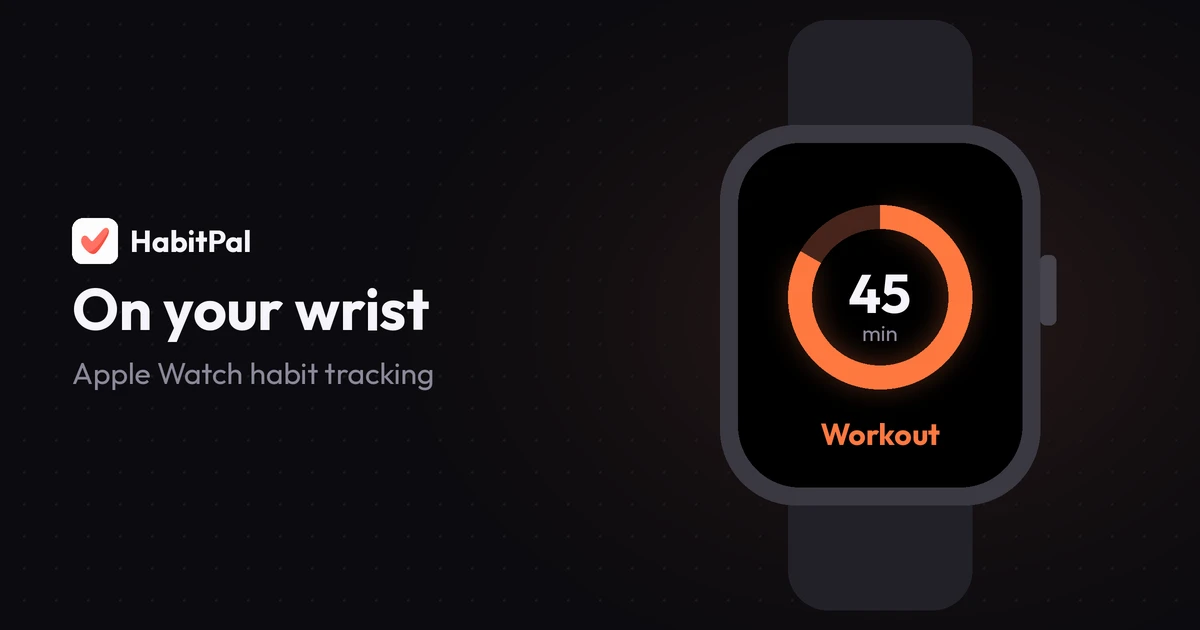
Your phone is full of distractions. Open it to log a habit and ten minutes later you are still scrolling. Your Apple Watch is the opposite: raise your wrist, tap, done. That makes it one of the best places to track habits.
Why track habits on Apple Watch
- Fastest check-in: a tap from your wrist, no unlocking, no distractions.
- Always visible: a complication on your watch face shows today's progress.
- Automatic: with Apple Health, workouts and steps can complete habits for you.
What to look for in an Apple Watch habit app
- A real watch app, not just notifications.
- Complications for your favorite watch faces.
- Counted habits (glasses of water, pages read), not only yes/no.
- Sync with the iPhone app, so your streak is the same everywhere.
- Apple Health integration for fitness habits.
HabitPal on Apple Watch
HabitPal has a full Apple Watch app with complications. Your habits show up with their colors and progress, and you can complete them or add a step with a tap. Connect Apple Health and habits like steps or workouts can fill in on their own, so the habit you just did at the gym is already checked when you leave.
Habits that work great on the wrist
- Drink water: +1 glass every time you refill.
- Stand up and stretch: a quick tap after a stretch break.
- Workout or walk: completed automatically through Apple Health.
- Take vitamins or medication: fast, private, and hard to forget.
- Meditate or breathe: one minute, then tap.
Other options: Atoms, Productive and TickTick also have Apple Watch apps. For a full comparison, see the best habit tracker apps in 2026, and if you prefer your Home Screen, our guide to habit tracker widgets for iPhone.
Try HabitPal free
Track habits from your wrist with HabitPal's Apple Watch app and complications.

